
The challenge
School correspondence passes through several people: administrative staff, school leaders, teachers, and other personnel. The system needed to reflect those responsibilities, route documents for review, and show who had read them. Everyday tasks such as venue and vehicle bookings also needed a place in the same workflow.
The solution
DB Sarabun brings these tasks into one web application. Roles follow staff responsibilities, including people who hold more than one role. Each document type has its own route, with statuses and notifications that help the people involved follow up.
Scope of work
- Staff profiles managed by administrators or staff themselves, with assigned roles and responsibilities
- Internal correspondence, document filing, and circulars with recipient read status
- Registration of incoming external documents, leadership review, and routing to departments or individuals
- Reference numbers for outgoing letters and official orders, with separate states for pending and attached files
- Memo approval workflows, signature image placement, and PDF document generation
- Venue and vehicle bookings, maintenance requests, a staff directory, public notices, and a booking calendar
Behind the build
Following the school’s workflow
Incoming external documents are registered and reviewed by school leadership, then routed through administrative staff and the relevant department to their recipients. Outgoing letters and official orders can receive a reference number before the completed files are attached. Internal circulars can go to whole groups or individual staff members.
Why each document type has its own steps
Incoming documents need leadership review before routing. Internal circulars need a way to check whether recipients have read them. A single sequence would make people work through steps that do not apply to their task. DB Sarabun keeps those routes separate and assigns responsibilities through user roles, including people who hold more than one role.
Outgoing letters and official orders have another practical detail: a reference number may be needed before the final file is ready. The system distinguishes documents waiting for a file from those with a file attached, so staff can see what is still unfinished.
What this case study shows
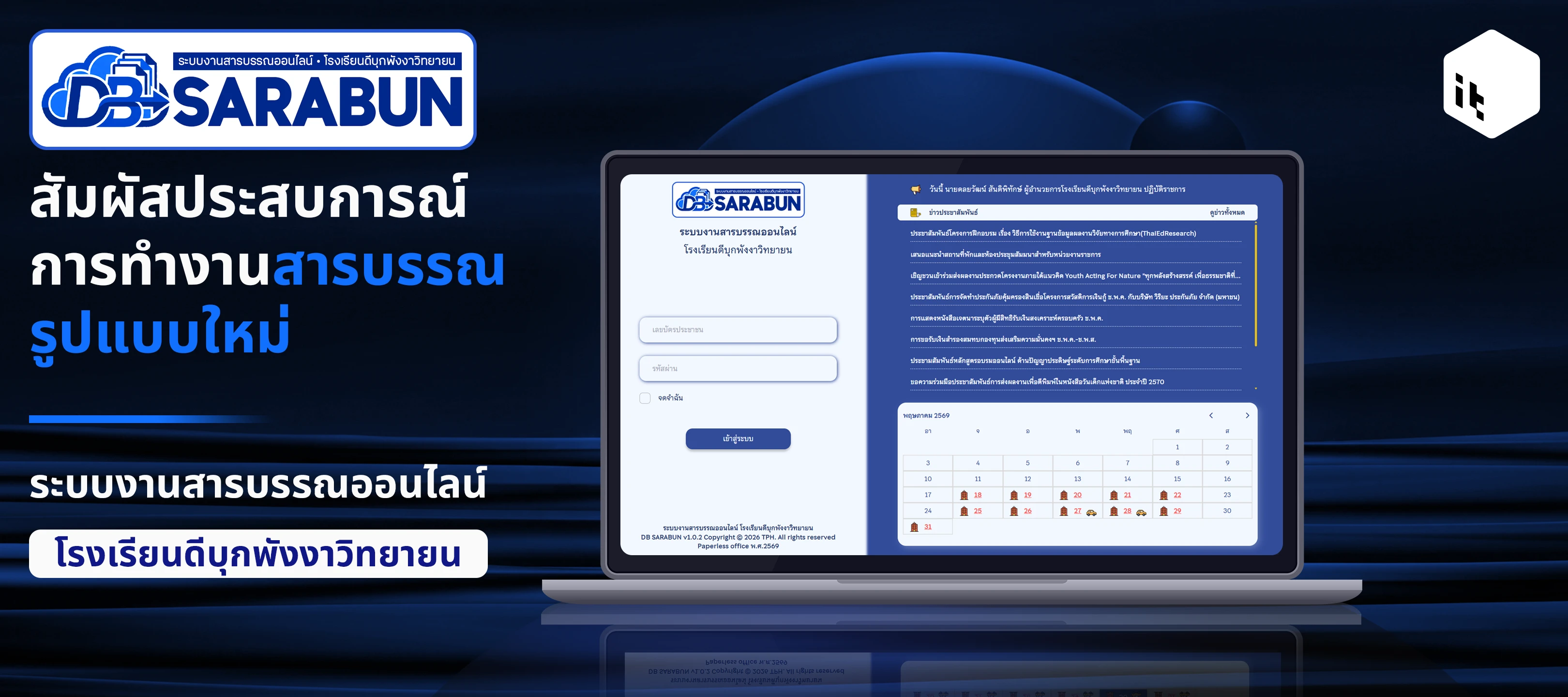
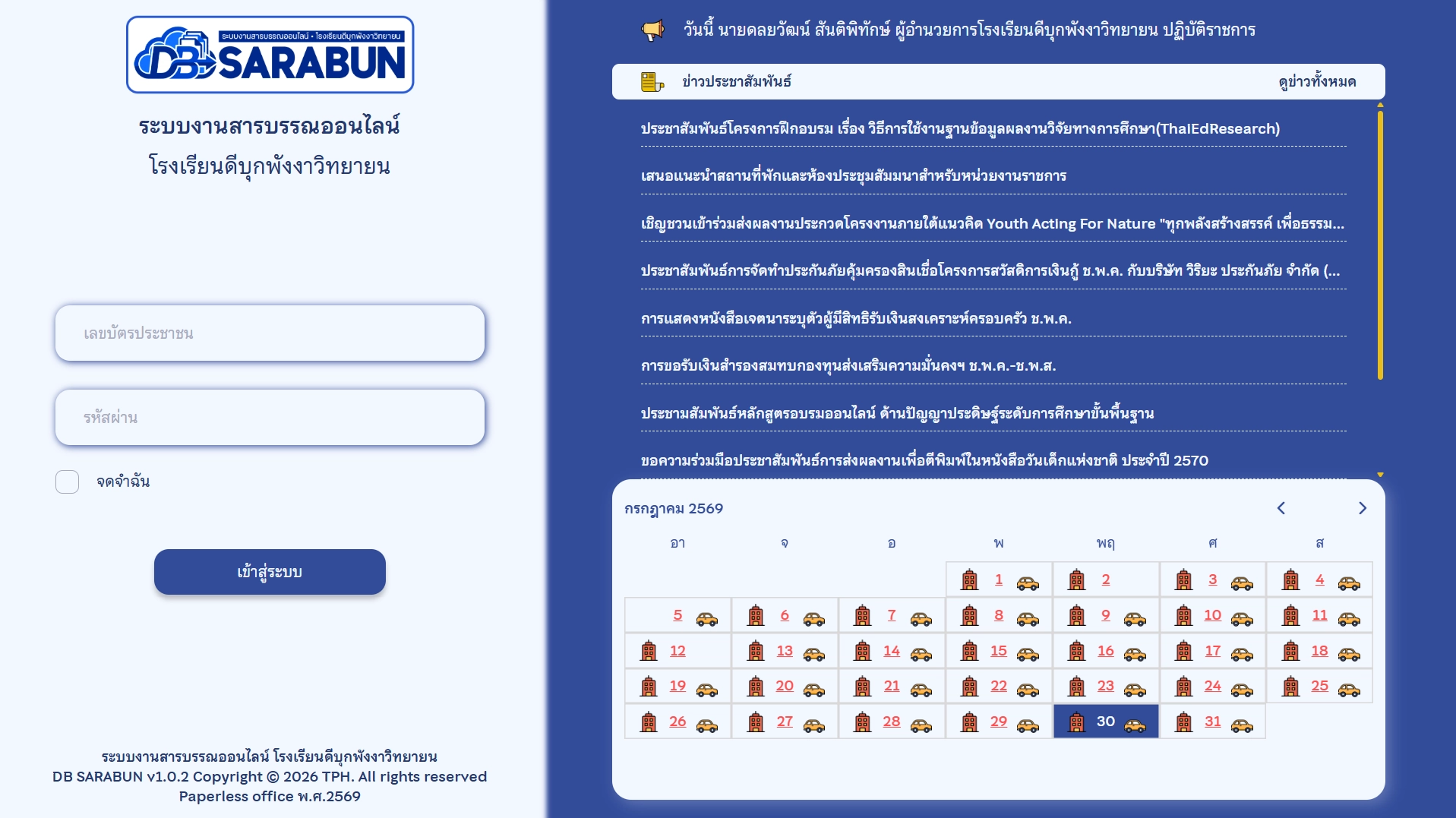
The screenshot shows the page before sign-in, with news and the booking calendar. Internal correspondence and staff information require a user account. This case study therefore includes neither a link into the internal application nor school documents.
Technology and its role
HTML defines the page and form structure. CSS handles presentation, while JavaScript supports interaction in the browser. PHP processes requests and workflows on the server. Composer manages the project’s PHP packages and libraries.
Project gallery
Outcomes
- Senders can check whether recipients have read a document.
- Notifications after sign-in help staff find unread items and work awaiting action.
- Correspondence and resource bookings share one system with staff information.
Technology
- HTML
- CSS
- JavaScript
- PHP
- Composer